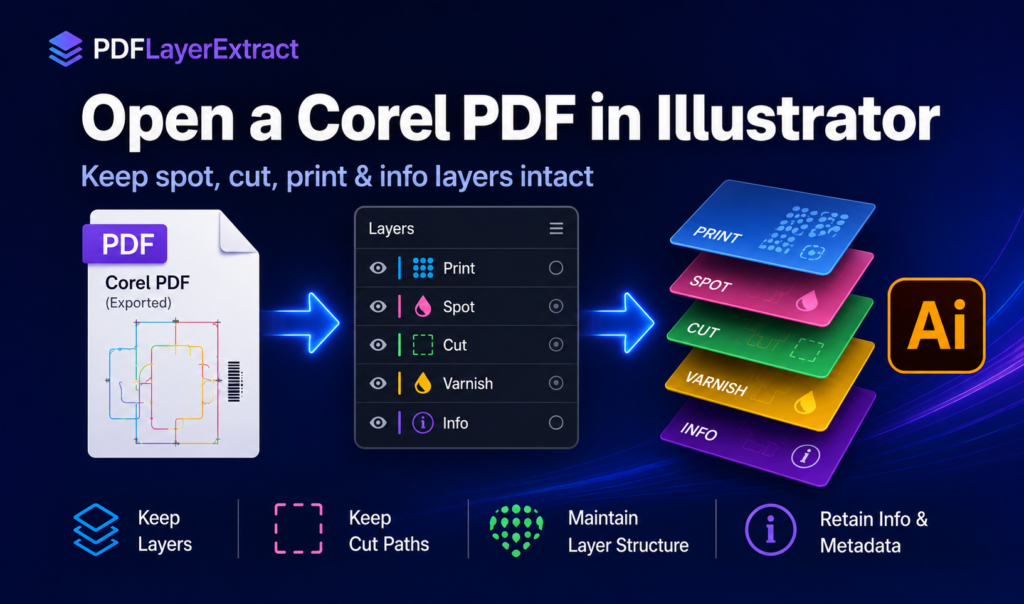
How to open a Corel-exported PDF in Illustrator with the layers intact
Illustrator flattens optional-content layers on open. Here's why, and the exact steps to get spot, clear, cut, print and info back as separate, editable files.
Guides, explainers and prepress notes on OCG layers, separations, and the Corel→Adobe handoff. Practical, no fluff.
Illustrator flattens optional-content layers on open. Here's why, and the exact steps to get spot, clear, cut, print and info back as separate, editable files.
Sometimes the print-ready PDF is the only file left. The designer is unavailable, the original Illustrator or CorelDRAW document is…
Illustrator may show one layer even when useful OCG structure remains. That does not always mean the PDF was flattened.…
A client sends the final print PDF, but the Illustrator or CorelDRAW source file is missing. The artwork opens in…
A plain-language explanation of OCG layers in PDF files, why Illustrator flattens them on open, and what that actually does…
Extract PDF layers for screen-print separations and turn spot, cut and print content into clean files your production workflow can…
A practical guide to the PDF layer types that matter in production: spot, clear, cut, print and info, and why…
Turn an inherited PDF into Illustrator-ready files in three steps: inspect the document, separate its detected layers, and import them…